Lighting Control Solutions

DMX 2 Software

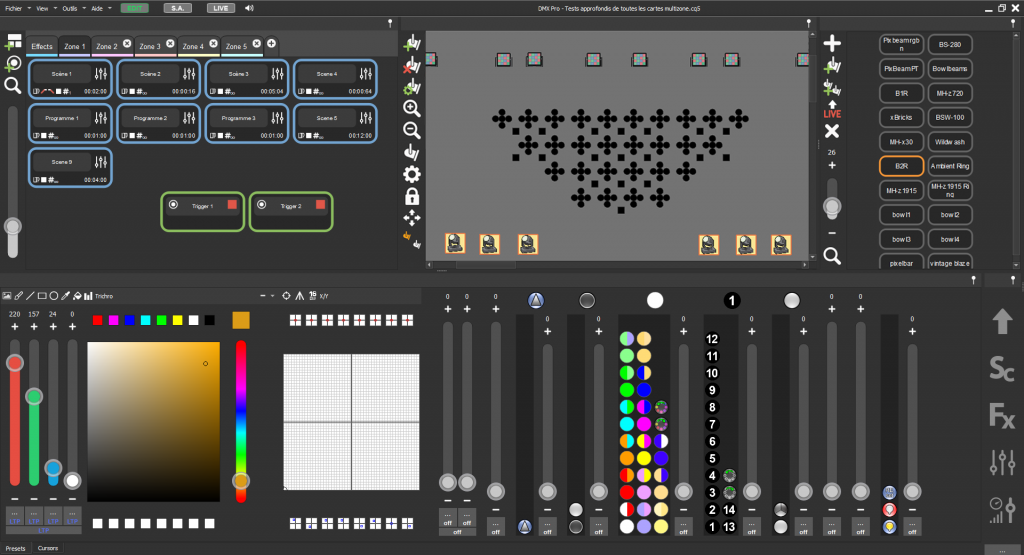
DMX2 Software, a free innovative ad powerful software package designed to meet the needs of lighting professionals and enthusiasts alike, combining ease of use with advanced lighting programming features. Compatible with all DMX, Art-Net and RDM devices, it offers two user modes to suit all levels: a simplified PLAYER mode for quick management and Stand Alone projects that require no computer use, like small and medium size projects and architectural and an advanced PRO mode for live performances, large number of fixture management and complete Live personalized sound to light control.

PIXEL Software

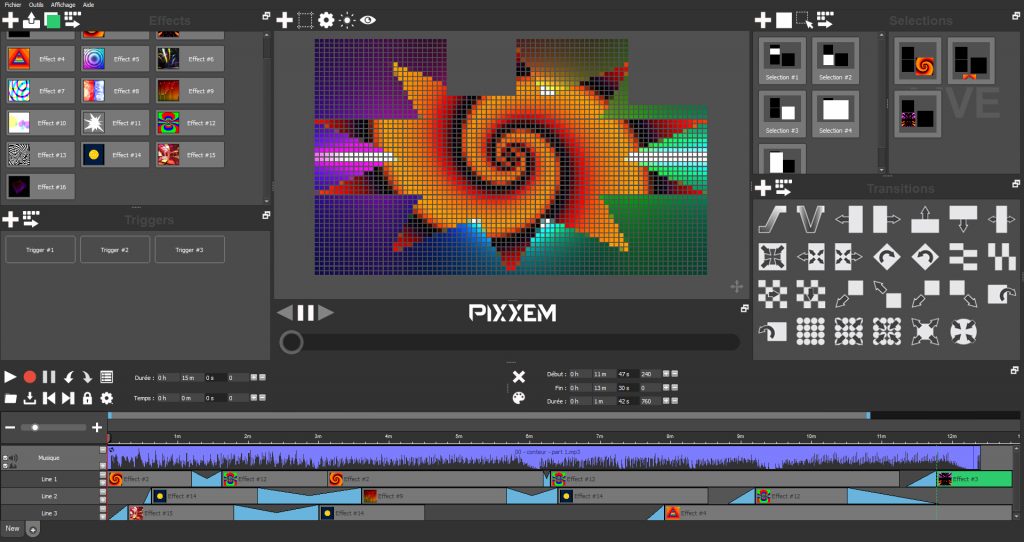
The software is designed for LED matrix pixel mapping up to 3,072 Art-Net and sACN DMX universes, including intuitive tools for quickly creating custom matrix configurations and pixel resolutions in 2D and 3D. It is adaptable to any size of pixel project, including those with multiple matrix configurations and includes a powerful timeline for synchronizing audio, video and LED matrix lighting.

The software comes with an extensive library of pre-programmed graphic effects that can be infinitely customized to create stunningly powerful and unique visual effects.

STUDIO Software (3D Old)

The 3D viewer Software works with the old and the DMX2 Software to offer free and easy 3D lighting simulation on Windows, Mac OS and Linux systems. 
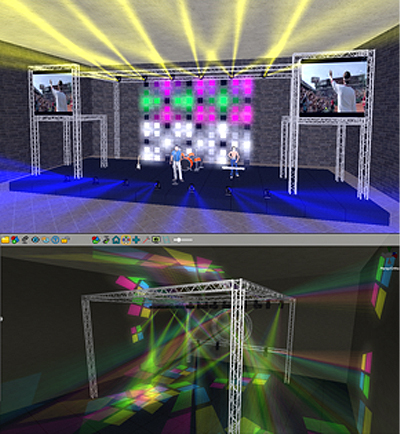
The 3D simulator displays all types of LED, beam, wash, spot and laser effects in real time, and renders light shows based on the DMX patch from softwares.
It includes some powerful features, such as the automatic truss assembler, enable the user to create virtual stage sets quickly and easily.

WI-LIGHT APP

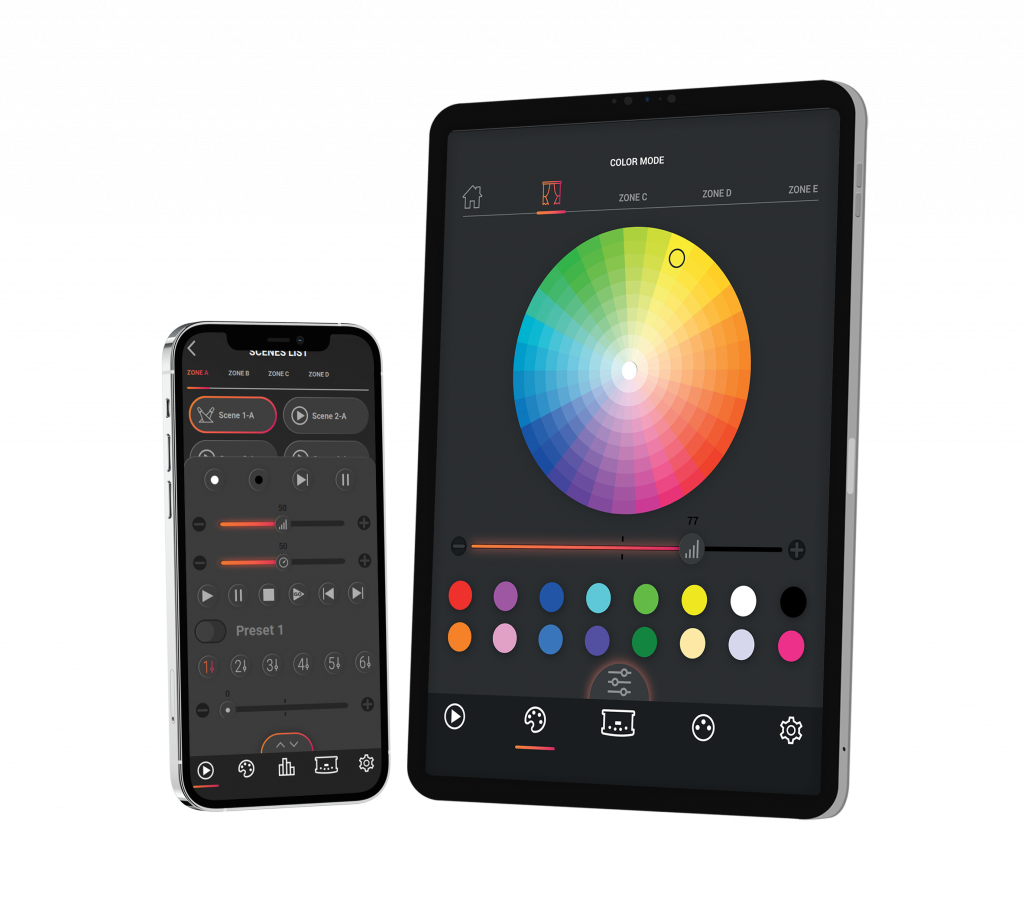
Transform your smartphone or tablet into a powerful portable DMX lighting command system.
With Wi-Light, easily manage your lighting setup from the stage, home, store, restaurant or anywhere else via your Wi-Fi or LAN network.
Compatible with the versions of free DMX lighting software and Ethernet-enabled stand alone devices. The lighting control remote APP comes with a new look, a slick dark skin and an updated graphic interface and experience user.

System Requirements

  • Windows 10, 11 and + (32 or 64 bits)
  • 1.5 Ghz CPU max frequency (Celeron, Intel i5, AMD Ryzen 5, Qualcomm ARM: September 2026)
  • Standard display card (Intel or office graphic, UHD)
  • 1 USB port per device
  • 8GB RAM (8GB recommended)
  • 600 Mb Disk space
  • 1 Ethernet port (for Ethernet, Art-Net and sACN)
  • 1600×900 Display Resolution (1920×1080 recommended)
  • Wifi 802.11a/b/g/n/ac ( Wi Light App)
 
Using PIXEL and 3D software:
  • Gaming video card with GPU of 2GB RAM (dedicated graphic card, 4GB recommended)
  • 8 GB RAM (16GB recommended)
  • MAC Os X 10.13 and + (64 bits)
  • 1.5 Ghz CPU max frequency (Celeron, Intel i5, AMD Ryzen 5, Qualcomm ARM: September 2026)
  • Standard display card (Intel or office graphic, UHD)
  • 1 USB port per device
  • 8GB RAM (8GB recommended)
  • 600 Mb Disk space
  • 1 Ethernet port (for Ethernet, Art-Net and sACN)
  • 1600×900 Display Resolution (1920×1080 recommended)
  • Wifi 802.11a/b/g/n/ac ( Wi Light App)
Using PIXXEM and STUDIO DMX 3D:
  • Gaming video card with GPU of 2GB RAM (dedicated graphic card, 4GB recommended)
  • 8 GB RAM (16GB recommended)
  • Android 5.0 and +
  • IOS 12 and +
  • iPad OS 12 and +
  • 1.5 Ghz CPU
  • 60 Mb Disk space
  • 1280×800 Display resolution
  • WIFI 802.11 b/g/n

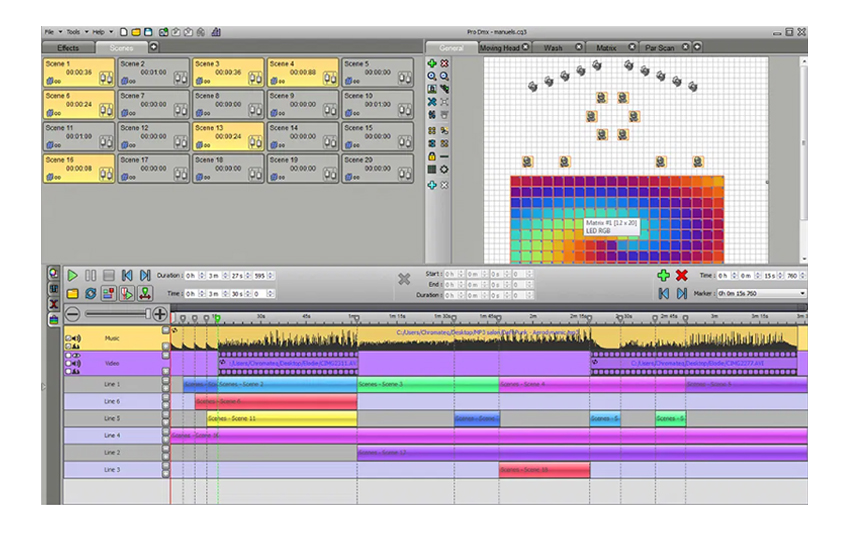
PRO DMX Software (2012-2022)

Lighting control software with advanced features for pro users, designed for live performances, stage lighting, sound-to-light shows and sophisticated architectural installations. Pro DMX is a multimedia platform that delivers accurate lighting, video and audio timeline synchronization, along with an extensive array of realtime live commands and controls.

It is now replaced by the PRO2 software and its PRO mode.

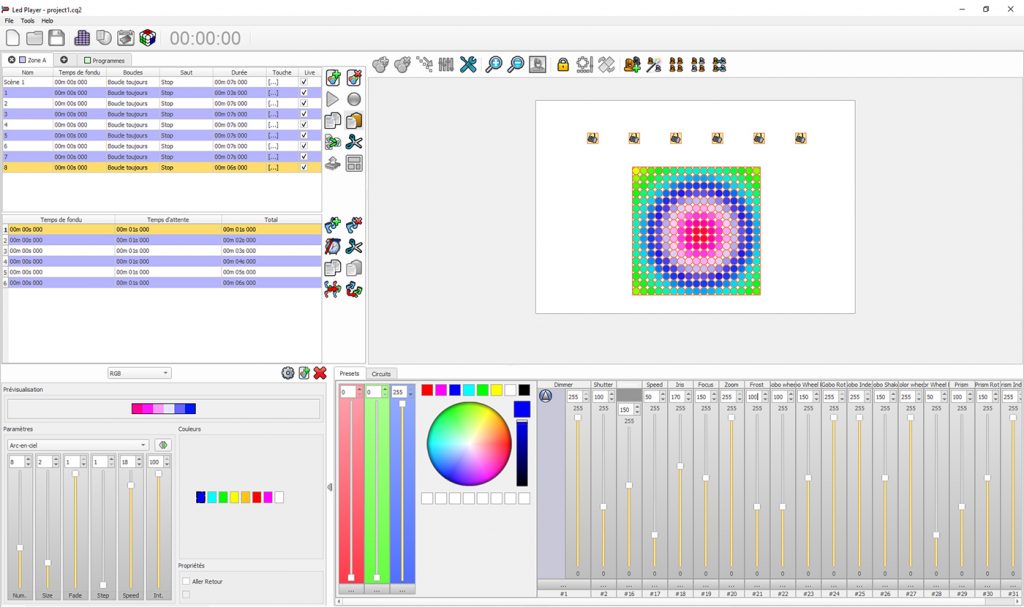
PLAYER Software (2010-2020)

The software is designed to be easily learned, even by those with little experience with the DMX or the professional lightings, LED Player is an intuitive lighting control software that can be mastered within minutes.

In addition to its ease-of-use, LED Player is able to program and configure Chromateq Stand alone devices that can run without computers and provide easy-to-operate control solutions for a wide variety of projects.

It is now replaced by the PRO2 software and its PLAYER mode.