LIGHT-IT and LED UP PRO are professional and easy-to-use software package. The standard installation includes several specialized software packages, which allows you to visualize and control the stage lighting in real time.

With the software you can control 512 DMX channels and more directly out of the USB dongle, as well as Art-Net universes from your computer RJ-45 network connector. It is perfect for all DMX and PIXEL solutions.

System Requirements

  • Windows 7, 8, 10, 11 and + (32 or 64 bits)
  • 1.5 Ghz CPU max frequency (Celeron, Intel i5, AMD Ryzen 5)
  • Standard display card (Intel or office graphic, UHD)
  • 1 USB port per device
  • 4GB RAM (8GB recommended)
  • 600 Mb Disk space
  • 1 Ethernet port (for Ethernet, Art-Net and sACN)
  • 1600×900 Display Resolution (1920×1080 recommended)
  • Wifi 802.11a/b/g/n/ac ( Wi Light App)
 
Using PIXXEM and STUDIO DMX 3D:
  • GPU with 2GB RAM (dedicated graphic card, 4GB recommended)
  • 8 GB RAM (16GB recommended
  • MAC Os X 10.13 and + (64 bits)
  • 1.5 Ghz CPU max frequency (Celeron, Intel i5, AMD Ryzen 5)
  • Standard display card (Intel or office graphic, UHD)
  • 1 USB port per device
  • 4GB RAM (8GB recommended)
  • 600 Mb Disk space
  • 1 Ethernet port (for Ethernet, Art-Net and sACN)
  • 1600×900 Display Resolution (1920×1080 recommended)
  • Wifi 802.11a/b/g/n/ac ( Wi Light App)


Using PIXXEM and STUDIO DMX 3D:
  • GPU with 2GB RAM (dedicated graphic card, 4GB recommended)
  • 8 GB RAM (16GB recommended
  • Debian, Red Hat, Arch Linux (64 bits)
  • 1.5 Ghz CPU max frequency (Celeron, Intel i5, AMD Ryzen 5)
  • Standard display card (Intel or office graphic, UHD)
  • 1 USB port per device
  • 4GB RAM (8GB recommended)
  • 600 Mb Disk space
  • 1 Ethernet port (for Ethernet, Art-Net and sACN)
  • 1600×900 Display Resolution (1920×1080 recommended)
  • Wifi 802.11a/b/g/n/ac ( Wi Light App)


Using PIXXEM and STUDIO DMX 3D:
  • GPU with 2GB RAM (dedicated graphic card, 4GB recommended)
  • 8 GB RAM (16GB recommended
  • Linux Raspberry Pi OS (32 bits)
  • Pi 3 B, Pi 4 and +
  • 1,4 GHz ARM Cortex-A53 or A72 Quad-Core-CPU and +
  • 1 GB LPDDR2 or LPDDR4 SDRAM and +1 USB port
  • 600 Mb Disk space
  • 1 Ethernet port (Art-Net and sACN or CQSA-E)
  • 1920×1080 Display resolution (recommended)
  • Wifi 802.11a/b/g/n/ac (Wi Light App)
  • Android 5.0 and +
  • IOS 12 and +
  • iPad OS 12 and +
  • 1.5 Ghz CPU
  • 60 Mb Disk space
  • 1280×800 Display resolution
  • WIFI 802.11 b/g/n

Software Download

  • Windows software  
  • USB Drivers
  • User Manuals
  • Libraries 
  • Fixture Profiles
  • Mac software
  • USB Drivers
  • User Manuals
  • Libraries 
  • Fixture Profiles
  • Linux software
  • USB Drivers
  • User Manuals
  • Libraries 
  • Fixture Profiles

Installation content :

Latest software and App / Api :
• LIGHT-IT (DMX lighting) :2.3.4
• LED UP PRO (Pixel Mapping) : 1.5.2
• DRAW UP (3D Viewer) :1.1.4
• WI LIGHT 2 (Remote control APP) : 1.25.02
• LED UP (Easy DMX Lighting) : 1.10.3
• LIGHT UP (DMX Lighting) : 1.9.3

Utilities :
• DEVICETOOL, quick interface configurations and device settings
• USB drivers for Windows (needed to communicate with devices)
• Profiles (our latest list of fixture profile)
• User Manuals (PDF)
• LoopBe (virtual MIDI port and MIDI Driver) 

DEVICETOOL direct download link :
Devicetool is already included in the software installation directory.
Windows
Mac os

Wi Light 2 - App (V.1.2)

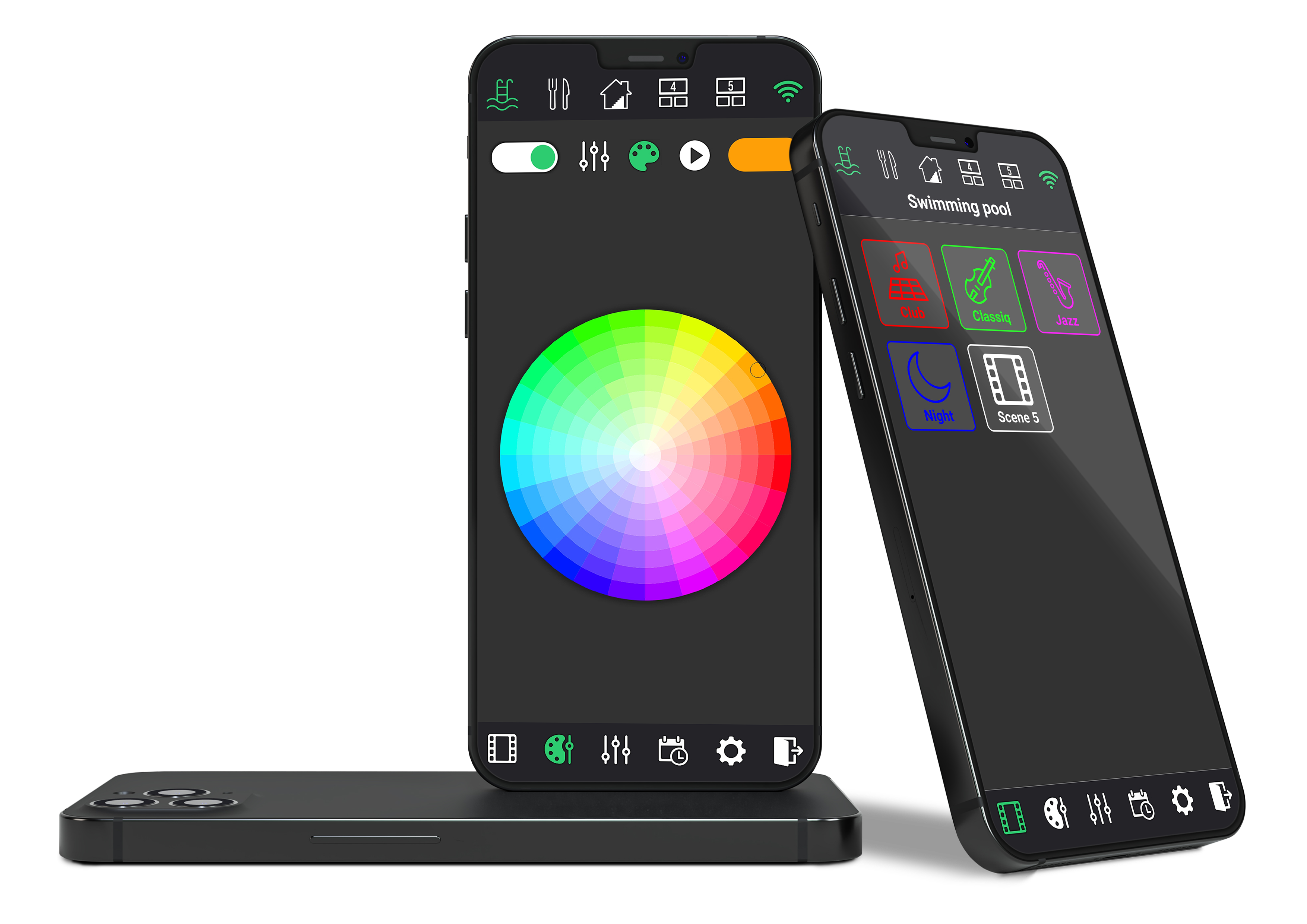
Wi-Light 2 App is an easy-to-use Wi-Fi remote control with advanced features that allow you to instantly take control of your lights, play scenes saved on Chromateq devices, and play shows from the Chromateq software.

Download Wi-Light 2 APK for ANDROID Here.

The Wi Light 2 Windows and Mac versions are included in the software installation package.

Support and Documentations

Light INC - Direct links

VIDEO TUTORIALS Download

LIGHT UP is a professional but still easy-to-use software package. The standard license includes 3 specialized software packages, wich allows you to visualize and control the stage at all times.